IPTV Free Trial sells an IPTV subscription, so this page is written by one of the sellers it describes. It draws on how live streaming works, on Apple's own description of adaptive streaming (read November 12, 2026) and on the per-stream speeds we publish. This page reports no measurements of our own, of our service or anyone else's.
Where a stall actually starts
A player keeps a few seconds of video in reserve. Buffering is the moment that reserve runs dry because new video arrives more slowly than the screen uses it. The slowdown can happen at any of four stops on the way to your TV, and the seller runs only the first.
That is why “anti-buffer” on a sales page can't mean much on its own. A seller can add servers and spread viewers across them, but it can't reach into the networks between its data centre and your street, your router in the hallway or a streaming stick that is short of memory. Read the label as a claim about the first stop, then check the other three yourself.
Fixes at home, cheapest first
Work down this list before you judge any seller. Each step removes one cause, and the first three cost almost nothing.
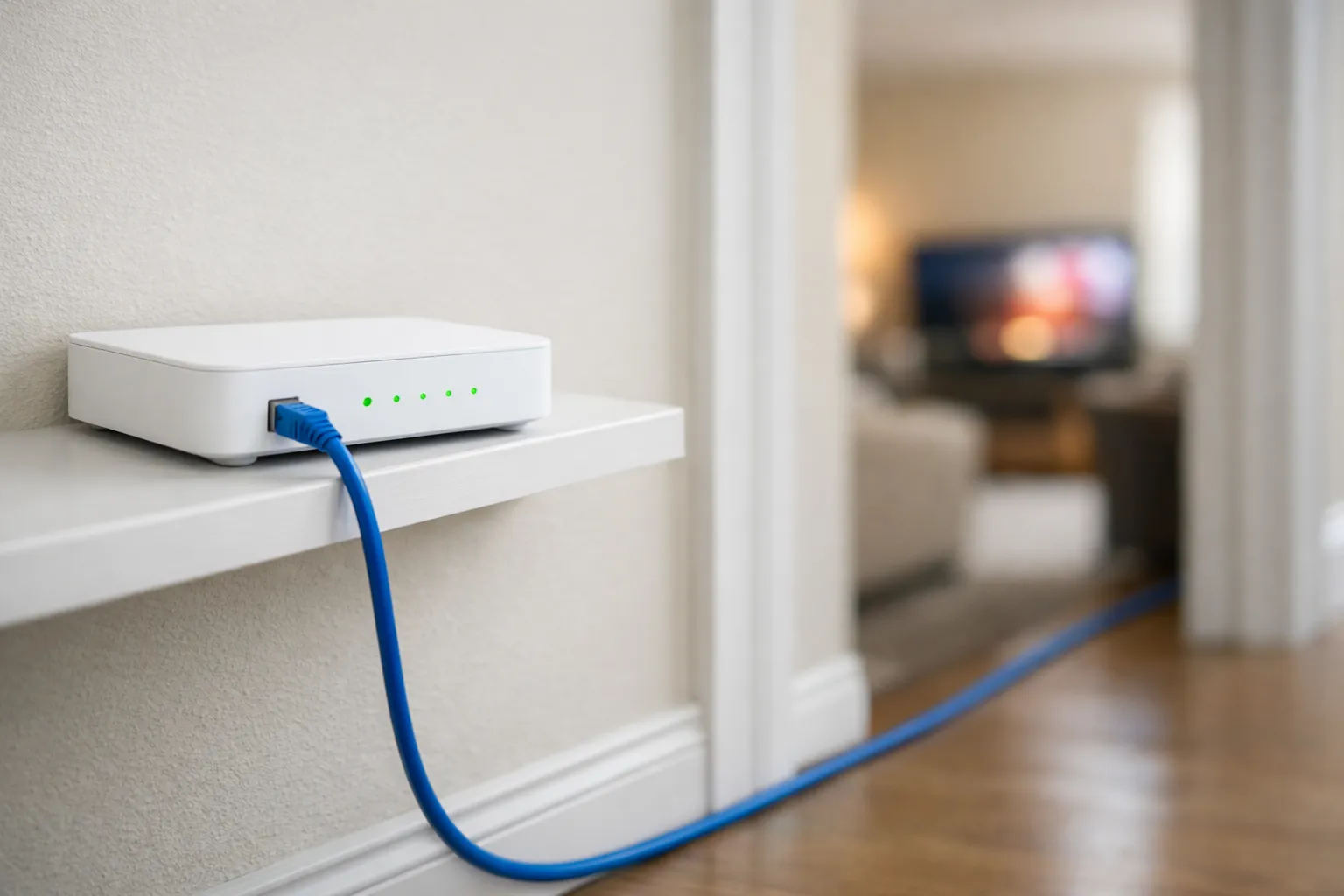
- Run a cable. An Ethernet cable from the router to the TV device takes Wi-Fi out of the picture. If a cable can't reach, move the router into the open, away from cabinets and thick walls.
- Count the other streams. A game download, a cloud backup or a second TV playing in the bedroom all share the same line. Our terms of service also limit an account to one simultaneous stream unless a multi-room plan was bought, so a second screen on the same login can look like a stall.
- Step down one picture tier. Our internet speed guide for IPTV plans for 15 Mbps per Full HD stream and 25 Mbps per 4K stream, measured on the TV device at the hour you watch. If 4K stalls and the Full HD version of the same channel plays, your line was the limit.
- Restart and clear. Power the router and device off for a minute, then clear the player app's cache.
- Test the device. Older sticks can struggle with heavy channels; try the same login on another device.
- Call your internet provider last. If speed tests on the TV device fall well short of your plan every evening, the provider is the one to ask.
For a faster walk-through of the first fixes, see quick fixes for a stalling IPTV stream.
Reading the pattern
When a stall happens, note the hour, the channel and the device. The pattern usually tells you which stop to blame.
Why the evening is the hard test
A live IPTV channel is usually sent to each viewer as a separate stream. Ten people watching the same channel means ten copies leaving the seller's servers, so the load grows with every viewer rather than with every channel. On a quiet afternoon that load is light. Between about 8 and 10 p.m., or in the first minutes of a big game, many viewers press play within the same few minutes, and a server with too little headroom falls behind for all of them at once.
Your own line follows the same rhythm. People nearby stream at the same hours, and some home internet plans slow down in the evening even when a daytime speed test looks generous. That is why a test at 3 p.m. proves very little about either side. Run your checks at the hour you actually watch, and repeat the one that failed on another evening before you draw a conclusion.
What a seller can change, and what it can't
The seller decides how many viewers share each server and which versions of a channel it carries. Some systems also change quality on their own when the line dips: Apple says its HTTP Live Streaming “dynamically adapts to network conditions” by matching playback to the speed available (read November 12, 2026). Many IPTV playlists work differently, listing a channel as separate SD, HD, Full HD or 4K entries that you choose by hand. With those, a stalled 4K entry won't drop to HD for you.
What a seller can't change is the evening congestion on your provider's network, your Wi-Fi, or the other screens in your house. Any promise that covers those is a promise nobody can keep.
What to ask a seller before you pay
- “What does your anti-buffer label stand for?” A useful reply names something you can check.
- “Does the trial use the same servers as a paid plan?” A trial on a quiet server proves little.
- “Do busy channels come in a Full HD version as well as 4K?” It gives you somewhere to step down to.
- “What happens if a channel stalls every evening?” Ask for the written refund terms, including what they exclude.
- “Can I start with one month?” A long plan bought before a busy evening has been tested is the costly mistake.
Then test the answers on a trial that runs into the evening. Our 24-hour trial checklist sets out the order.
What we say about our own service
We don't call our service anti-buffer, we don't publish server measurements, and we don't promise that a stream will never stall. What you can check is this: the free 24-hour trial needs no card and no payment, and you can take one per account every 30days. Your first purchase carries a 7-day money-back guarantee, counted from payment, when you report a service problem within those 7 days and our support team can't fix it. Problems caused by your device, app setup or local internet are excluded, as the refund policy sets out.
Plans are prepaid for one device and don't renew on their own: $19.99 for 1 month, $29.99 for 3 months, $39.99 for 6 months and $69.99 for 12 months + 2 free. IPTV technology is legal; whether a given service is depends on the rights its seller holds, and we don't publish the rights agreements behind our channels. Our page on whether IPTV is legal explains the difference. To test us in the evening, ask Ryan for a trial on WhatsApp or read how the IPTV free trial works first.
Frequently asked questions
Is there an anti-buffer IPTV service that never stalls?
No. Live TV sent over the internet passes through the seller's servers, the networks in between, your router and your device, and no seller controls all of them. A seller that promises a stream will never stall is promising something it can't check.
What reduces IPTV buffering the most at home?
Usually a cable between the router and the TV device, then fewer other streams and downloads in the house while you watch, then picking the Full HD version of a channel when 4K stalls. Those three cost little and settle most home-side cases.
How can I tell if buffering is my fault or the seller's?
Watch when it happens. Stalls at every hour on every channel point to your line or Wi-Fi. Stalls that start only in the evening, on busy channels, while a phone on mobile data stalls too, point to the seller.
Will a faster internet plan stop IPTV buffering?
Only when your line was the limit. If a speed test on the TV device in the evening already shows well over 25 Mbps per 4K stream, a faster plan won't help a seller whose servers are short of capacity at the busy hour.
Does IPTV Free Trial promise that streams never stall?
No. We don't publish server measurements and we don't promise that a stream will never stall. You can test it free for 24 hours, and a first purchase carries a 7-day money-back guarantee when a service problem you report can't be fixed.
Sources
- Apple Developer, HTTP Live Streaming, read November 12, 2026.
- IPTV Free Trial, internet speed for IPTV, refund policy and terms of service, read November 12, 2026.
- Couldn't read: none.