What is IPTV? IPTV is television delivered over your internet connection instead of a cable line or a satellite dish. Live channels, on-demand films and series, and catch-up of shows that already aired all arrive as data and play in an app on a device you already own — a streaming stick, smart TV, phone or computer. You need three things: a stable broadband connection, a compatible device and a player app with a login from an IPTV provider.
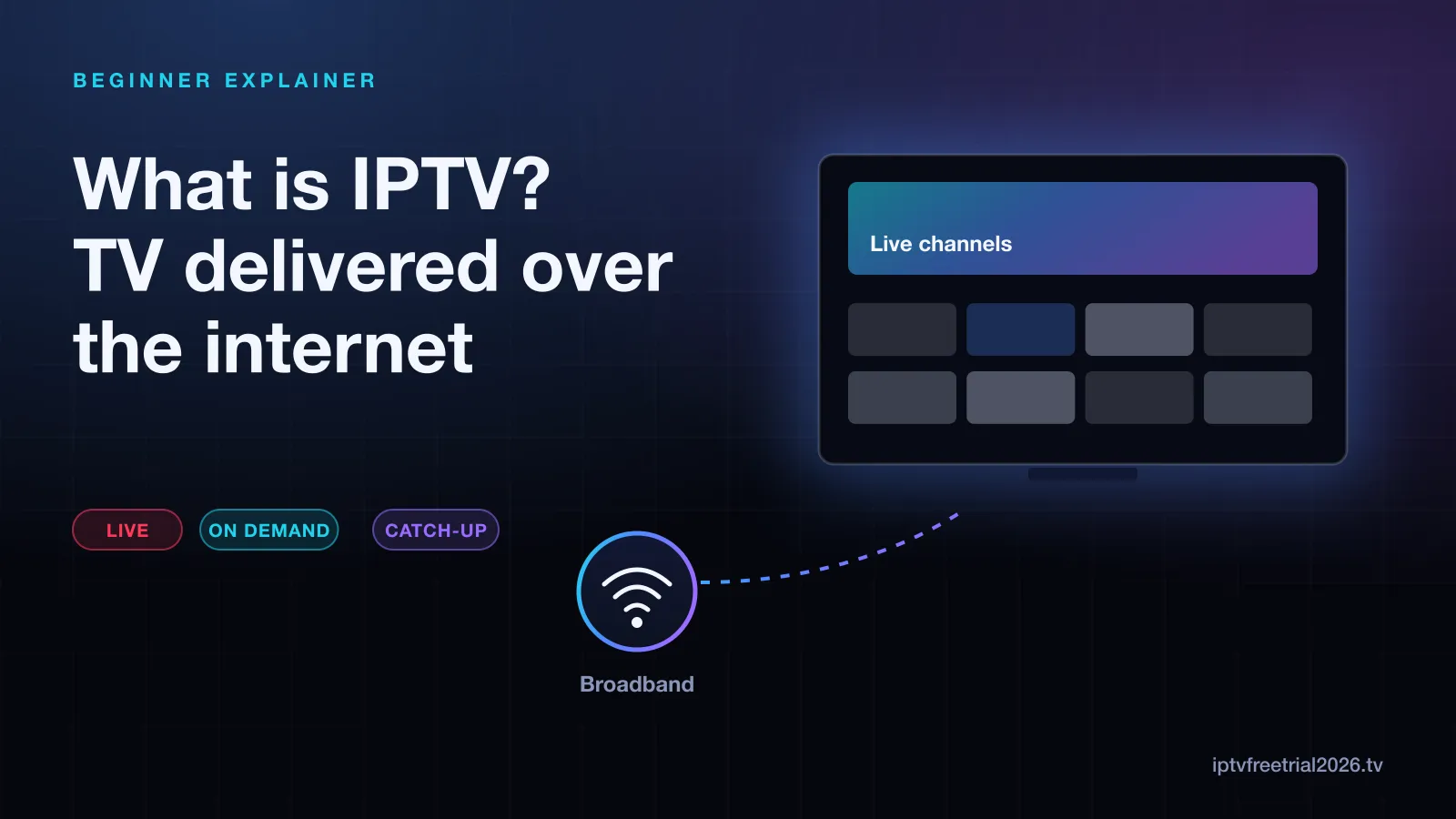
How IPTV works, step by step
A traditional cable company sends every channel down the same wire at the same time, and your set-top box tunes to one. IPTV works the other way round. When you pick a channel, the player app on your device asks the provider's server for that one stream, and the server sends it to you over the internet, much like a video call or a web page. Change the channel and the app asks for a different stream.
Because only the channel you are watching travels to your home, the size of the lineup is not limited by the capacity of a cable. The trade-off is that the picture depends on your connection and on the provider's servers. A congested home Wi-Fi network or a busy server shows up as a stream that pauses to load — what people call buffering.
IPTV vs cable, satellite and streaming apps
Most US households compare IPTV with three things they already know:
- Cable runs a coaxial line into your home and usually requires the provider's box and a contract. Channels come in fixed packages.
- Satellite needs a dish, an installer visit and a receiver. Heavy rain or snow can interrupt the signal.
- Live TV streaming apps such as YouTube TV, Hulu + Live TV and Sling are technically IPTV too: they send live channels over the internet. They are sold as a single branded app with a set lineup.
- IPTV services in the everyday sense give you a login — a playlist link or a username and password — that you load into a player app of your choice. You choose the app, and the same login can work on different devices.
Live TV, on demand and catch-up
An IPTV service usually mixes three ways of watching:
- Live TV — channels playing in real time, just like cable, organized in a TV guide (the EPG).
- Video on demand (VOD) — a library of films and series you start whenever you like.
- Catch-up TV — programs that already aired on a channel, replayed from the guide for a few days afterwards. Our explainer on how catch-up TV works on IPTV covers this in detail.
Not every channel offers catch-up, and on-demand libraries vary between providers, so check both during any trial rather than assuming.
What you need to watch IPTV
- A broadband connection. Stability matters more than headline speed. As typical guidance, an HD stream needs somewhere around 5–8 Mbps and 4K needs about 25 Mbps per screen.
- A device. Amazon Fire TV sticks, Android TV and Google TV devices, Samsung and LG smart TVs, Apple TV, iPhone and iPad, Windows PCs, Macs and MAG boxes all work. The device setup hub has a guide for each.
- A player app. Apps such as TiviMate and IPTV Smarters do not include channels themselves; they play the login your provider gives you.
- A login from a provider. Usually an M3U playlist link or Xtream Codes details (a server address, username and password).
Is IPTV legal in the US?
The technology is completely legal — it is how every live TV streaming app works. What matters is whether the provider has the rights to the channels it carries. That question is about the service, not the format, and it is worth understanding before you subscribe to anything. We cover it in plain terms in is IPTV legal? what US viewers should know.
Common IPTV terms in one place
- M3U — a playlist file or link listing channels and their stream addresses.
- Xtream Codes — a login format with a server URL, username and password; most players accept it.
- EPG — the electronic program guide, the grid showing what is on now and next.
- Connections — how many screens can stream on one login at the same time.
- Player — the app that plays your login. Swapping players does not change the service.
How to try IPTV before paying
The simplest way to see if IPTV suits you is to test it on your own TV, on your own connection, at the times you normally watch. We offer a free 24-hour trial requested on WhatsApp, with no credit card and nothing to cancel afterwards. Install a player first, then ask for the login, so the whole day goes on watching. If you want to see what plans look like after that, compare the monthly and yearly plans.
During the trial, focus on a few things: channels you actually watch, evening streams when networks are busiest, how quickly channels switch, and whether the guide matches what is playing. Those four checks tell you more than any channel count.
Is IPTV right for you?
IPTV tends to suit people who want live channels without a cable contract, who already own a streaming device, and who are comfortable typing a login into an app once. It suits you less if your internet connection is unreliable, or if you want everything bundled into one branded app with no setup at all — a mainstream live TV streaming app may be simpler then. Either way, testing on your own screen beats reading about it.
Problems first-time users run into
- Channels pause in the evening. Usually the home network, not the service. Try the TV closer to the router or on Ethernet before drawing conclusions.
- The guide is empty or the times are wrong. The guide is a separate piece of data; it can need a refresh or a timezone offset in the player.
- The login will not work. Long server addresses are easy to mistype with a TV remote. Check every character, including http:// and any port number.
- A second screen is refused. Most logins allow one stream at a time unless the plan includes more connections.
None of these are unusual, and each has a quick fix. Knowing them in advance means a trial day goes on judging the service rather than on puzzling over settings.
Frequently asked questions
What does IPTV stand for?
IPTV stands for Internet Protocol Television. Internet Protocol is the set of rules every device on the internet uses to send data, so the name simply means television sent the same way as web pages, email and video calls, rather than over a cable TV line or a satellite signal.
Is IPTV the same as streaming?
It is a kind of streaming. The difference people usually mean is that IPTV services focus on live TV channels arranged like a cable lineup, with a TV guide, while streaming apps such as Netflix focus on on-demand shows and films.
Do I need a special box for IPTV?
No. A streaming stick, a smart TV, a phone, a tablet or a computer can all run an IPTV player app. A dedicated box is optional, and many people use a device they already own.
Can I use IPTV without internet?
No. Every channel arrives over your internet connection, so if the connection drops, the picture stops. A stable home broadband connection matters more than raw top speed.