How many devices can you use on an IPTV free trial? You can usually install the trial login on as many devices as you like — the limit is on simultaneous connections, meaning how many screens play at the same moment. Trial logins are commonly single-connection, so a TV and a phone streaming together may collide. Ask in the chat when you request our free WhatsApp trial, then test the screen you will use most.
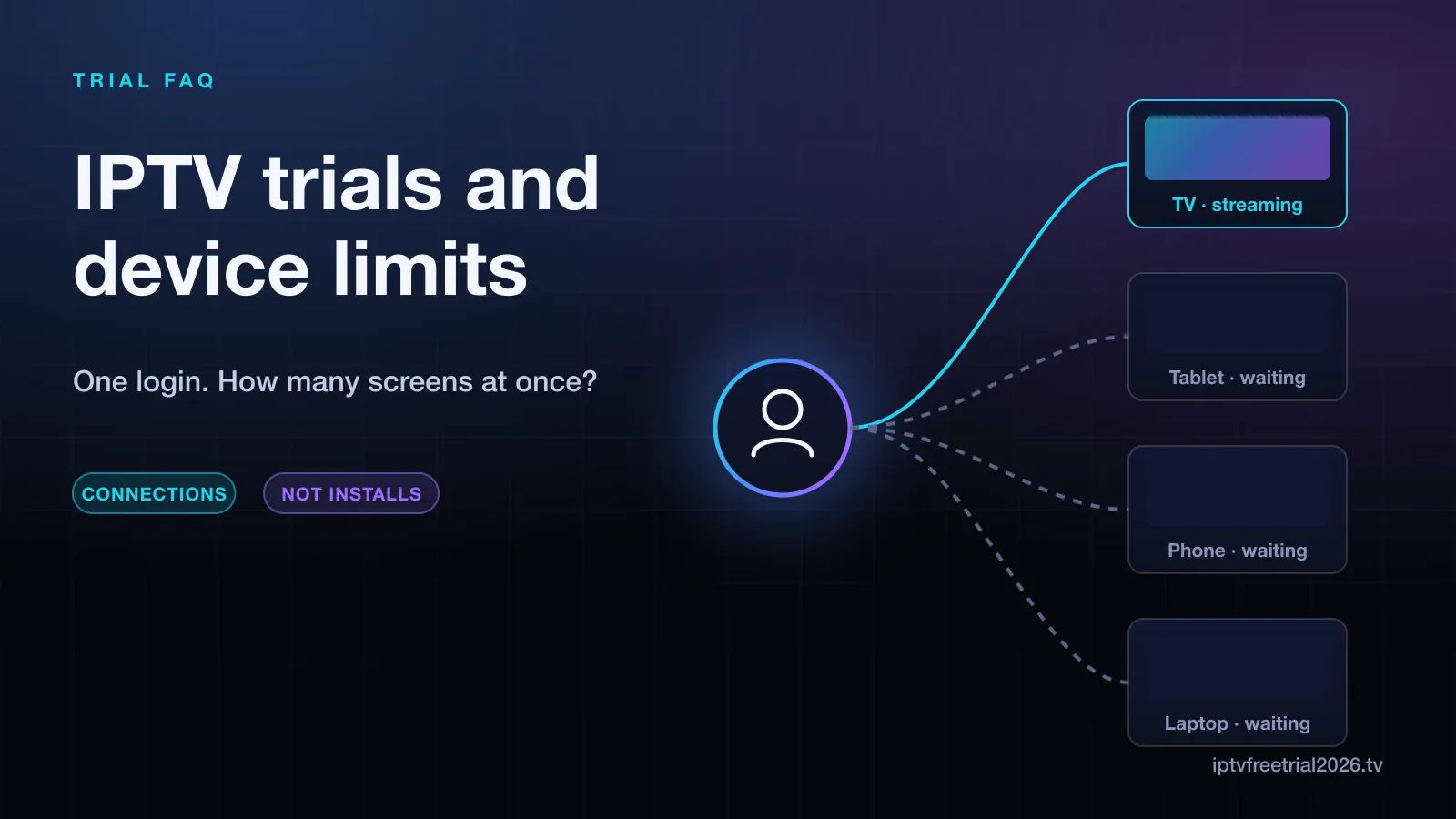
Devices vs connections: the one distinction that matters
IPTV plans are sold by the number of "devices", but what the server actually counts is connections: active streams pulling video at the same moment. That difference is the source of most confusion:
- A device is anywhere your login is saved — a Firestick, a phone app, a laptop player.
- A connection is a stream that is playing right now.
So a one-connection login can live on four devices quite happily. What it cannot do is play on two of them at once. Close the app on the bedroom TV and the living-room TV can start; try to run both and the second one is refused.
What happens when you hit the limit
It depends on the provider and the player, but you will typically see one of three things:
- The new stream refuses to start, often with a "max connections reached" message.
- The new stream starts and the older one stops.
- Both streams stutter for a few seconds while the server decides.
That third case matters during a trial, because it looks exactly like buffering. If streams suddenly freeze, check whether someone else in the house has the app open before blaming the service. A player left running on a paused channel can still hold the connection.
How trials usually handle devices
Trials exist to let you judge quality, not to stream the whole household for free, so most providers keep them lean: one login, often one connection, for a fixed window. That is reasonable — but it means a single-connection trial cannot tell you how the service copes with two screens at 8pm. Ways to cover that:
- Ask first. When you request the trial, say how many screens you want to test. The answer itself tells you something about support.
- Test sequentially. Run the evening test on the main TV, then repeat it on the second device the next hour. Quality per stream is what you are checking.
- Check your bandwidth. Two HD streams need roughly twice the bandwidth of one, and 4K much more. If your line struggles with one 4K stream, it will struggle more with two, whichever provider you pick.
You can only take one free trial per account every 30 days, so plan the multi-screen part of the test before you start the clock. Our step-by-step trial checklist has a slot for it.
Choosing the right number of connections
Count the screens that will be playing at the same time on a busy evening, not the number of devices in the house. A family with four TVs that rarely watch together may be fine with two connections. Paid plans here come in one to four connections, with a discount for each extra screen. On the monthly plan that works out as:
| Connections | Monthly total | Per screen | Multi-screen discount |
|---|---|---|---|
| 1 | $19.99 | $19.99 | — |
| 2 | $31.98 | $15.99 | 20% |
| 3 | $44.98 | $14.99 | 25% |
| 4 | $55.97 | $13.99 | 30% |
Longer plans are listed with their multi-screen prices. If your screens are a mix of hardware, our guide to IPTV for all devices covers using one subscription across them, and our index of setup guides by device links each one.
Matching connections to your household
A few common set-ups, and what usually fits them:
- One person, one TV, a phone for travel: one connection, because the two rarely play at once.
- A couple who sometimes watch different things: two connections, so a match in the living room does not lock out a series in the bedroom.
- A family with children's screens: three, counting the evening peak when the main TV, a tablet and a second TV may all be on.
- A shared house with separate rooms: four, though each person should agree on the rules for the account.
If you are unsure, start lower. Adding a screen later is simple, while paying for connections nobody uses is money spent for nothing.
Is it the connection limit or the service?
During a trial, a hit connection limit can look like poor quality. Signs it is the limit: the freeze starts the moment someone else opens the app, the error mentions connections or the maximum number of users, or closing the player on another device fixes it at once. Signs it is something else: the stall happens with only one screen on, or only on one device. In that case, check that device's Wi-Fi signal first, then read our quick fixes for stalling streamsbefore judging the service. A rough guide for bandwidth: allow several Mbps per HD stream and considerably more for each 4K stream, and add them up for every screen playing at once.
Sharing a login outside your home
A connection limit is per account, but many providers also watch for one login streaming from several distant locations at once, and treat that as account sharing. Expect warnings or suspension if a single-household plan is shared between households. A VPN can trigger the same check by making your location jump, so if you use one, keep it on a consistent server.
A quick multi-device trial plan
- Install the player on every device you care about before requesting the trial — the Firestick trial guide covers the most common one.
- Run the 7–10pm test on your main screen first.
- Switch to the second device and repeat for 30 minutes.
- If the trial allows two connections, run both together for 15 minutes and watch for the stutter described above.
- Choose the connection count based on what actually happens at peak time.
Frequently asked questions
How many devices can I use on an IPTV free trial?
You can usually install the trial login on as many devices as you like. The limit is on simultaneous connections — how many screens can play at the same moment. Trial logins are often single-connection, so ask the provider before planning a multi-screen test.
What is the difference between devices and connections in IPTV?
A device is anywhere the login is saved. A connection is an active stream. A one-connection plan can be installed on a TV, a phone and a laptop, but only one of them can play at a time.
What happens if I go over the connection limit?
The extra stream is normally refused with a "max connections" error, or one of the streams stops. It is not usually a ban, but repeatedly sharing a login across households can get the account suspended.
Can I add devices after the trial?
Yes. Paid plans here come in one to four simultaneous connections, with a discount per extra screen. You pick the number when you subscribe.